
Unmixr AI Text-to-Speech, Speech-to-Text & Audio/Video Dubbing Tool
Unmixr AI helps you make cool audio and video super easily! You can turn text into speech, speech into text, and even make pro-sounding dubs for your audio or video stuff with just a few clicks. If you’re a creator, marketer, or just someone who makes content, it’s fast, spot-on, and simple to use—so you can save time and get more done.
What is Unmixr AI?
Unmixr AI is a cool tool that uses AI to make working with audio and video simpler. You can turn text into speech, speech into text, and even do pro-quality dubbing without a lot of fuss. If you make content, do marketing, or just work with multimedia, Unmixr AI can help you get audio tasks done fast, right, and without pulling your hair out.
Key Features (Feature → Benefit → Description)
Feature
Text-to-Speech (TTS)
Speech-to-Text (STT)
Audio & Video Dubbing
Multi-Language Support
Fast & User-Friendly Interface
Benefit
Quickly generate realistic voiceovers
Easily transcribe audio into text
Create professional-quality dubbed content
Reach a global audience
Save time and effort
Description
Make text sound like real speech in different languages and voices for videos, presentations, and online courses.
Get your speech recordings turned into text that you can edit. Great for captions, scripts, or notes, and it’s really accurate.
Swap the original audio with fresh voiceovers, keeping the lip movements and timing matched up. This is great if you’re changing languages or reusing content.
It works with lots of languages and accents, so making stuff for different groups is a breeze.
The design is so easy to use that even if you’re a total beginner, you can quickly create great-sounding audio and video.
🧭 This Product is Especially Useful For:
If you’re a YouTuber or content creator, you can now add pro-sounding voiceovers and dubbing to your videos without any hassle.
Marketers and advertisers can quickly make cool audio content for ads and promotions.
For podcasters and broadcasters, it’s now easier than ever to turn scripts into great-sounding speech or get recordings transcribed super fast.
E-learning folks can make narrated courses, tutorials, and educational videos without wasting time.
Businesses and agencies can also translate stuff into different languages to connect with people all over the world.
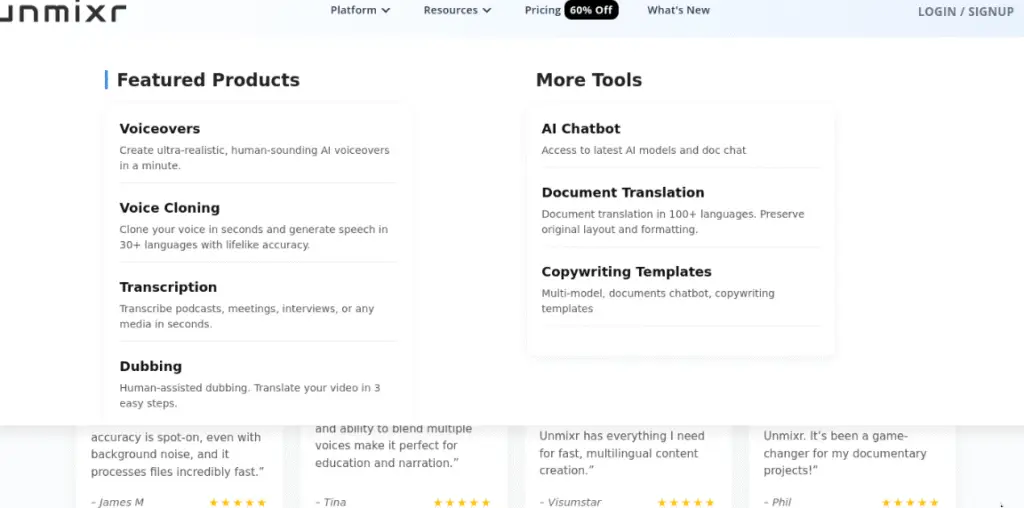
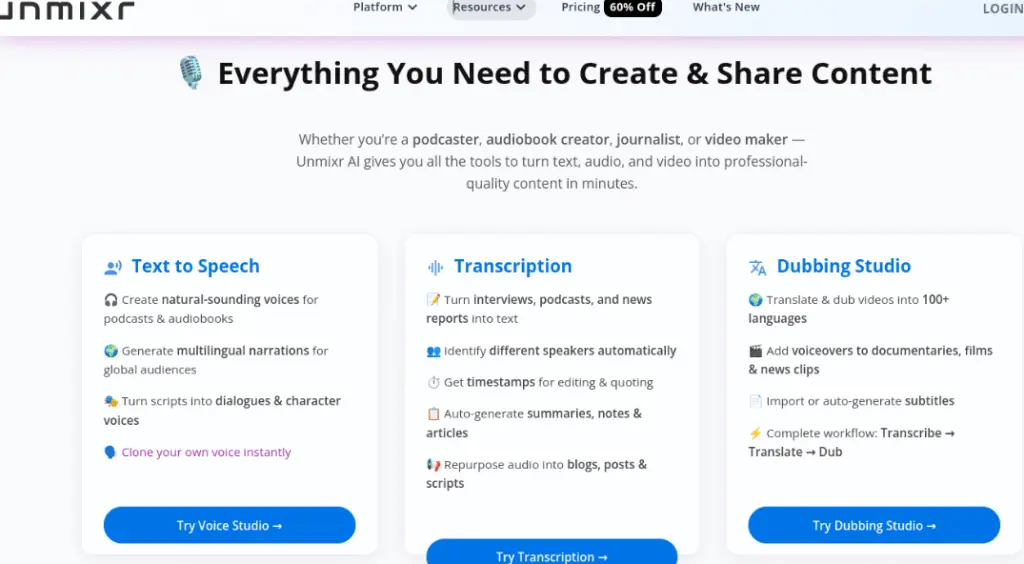
Free vs Paid key Features & Pricing table for Unmixr AI
Plan / Tier
Free / Trial Access
Paid Plans (Subscription or Lifetime Deal)
Price & Access
Typically: free trial (7‑day) with no credit card required
Key Features / Limits
How It Works (Step-by-Step Guide)
My Experience with Unmixr AI
Unmixr AI has seriously changed how I make stuff. Right from the start, I could tell how quick and easy the whole thing is. Turning text into speech was super simple, and the voices sounded real and pro.
When I gave speech-to-text a shot, I was really shocked at how well it picked up what I said, even when I was just chatting and there was noise around. The audio/video dubbing thing saved me a load of time compared to how I used to do it, and the lip-sync was way better than I expected.
I also really liked that it works with a bunch of languages—made it a breeze to make stuff for peeps all over. Overall, Unmixr AI feels like it’s got everything creators, marketers, and companies need to make their audio/video content better without blowing all their cash or needing to become a tech expert.
💡 Bonus Tips for Using Unmixr AI
FAQ (Most Common Questions about Unmixr AI)
Unmixr AI is a tool for fixing up audio and video, and it makes doing text-to-speech, transcriptions, and dubbing super easy. It’s accurate, works with many languages, has voices that sound real, and it’s great whether you’re a creator, teacher, or business that wants to make pro-level stuff fast.